| RAMADDA has support for multiple languages
|
Language translations are defined in a set of language pack phrase files.
These files are installed as RAMADDA plugins and should be called:
<language id>.pack.txt
Where <language id> is the short identifier for the language, e.g. "es.pack.txt".
There are a number of pre-defined language phrase files.
You can view these files on
Github.
You can view an interactive page showing the available languages and their phrase translations
here.
To enable the display of the page language widget
in the upper right of every page set the following property in
a repository.properties file or in the Admin->Settings Properties section
ramadda.languages.enabled = true
To show a large language switcher add the wiki text:
:langswitcher en,es,fr
e.g.:
If you want to add the language switcher to every page
add the above langswitcher wiki text to a
Page Header
property.
The wiki text of an entry can have any number of language blocks. This lets you have long form
text for different languages.
+lang en
This is the English
-lang
+lang es
This is the Spanish
-lang
e.g.:
This is the English
This is the Spanish
You can also define or overwrite a translation for a particular phrase on a page with:
:phrase ID "English phrase" "Translation"
e.g.:
:phrase es "Language Blocks" "Some Spanish translation for Language Blocks"
To set the language on a page add the following wiki text:
:setlang <the language ID>
e.g. for Spanish:
:setlang es
You can add to the set of translations in your RAMADDA with a
"Language Phrases File" property file added to any entry.
This enables you to add new phrases and/or overwrite the existing translation.
This file is of the form:
English phrase=<translation>
Another English phrase=<translation>
...
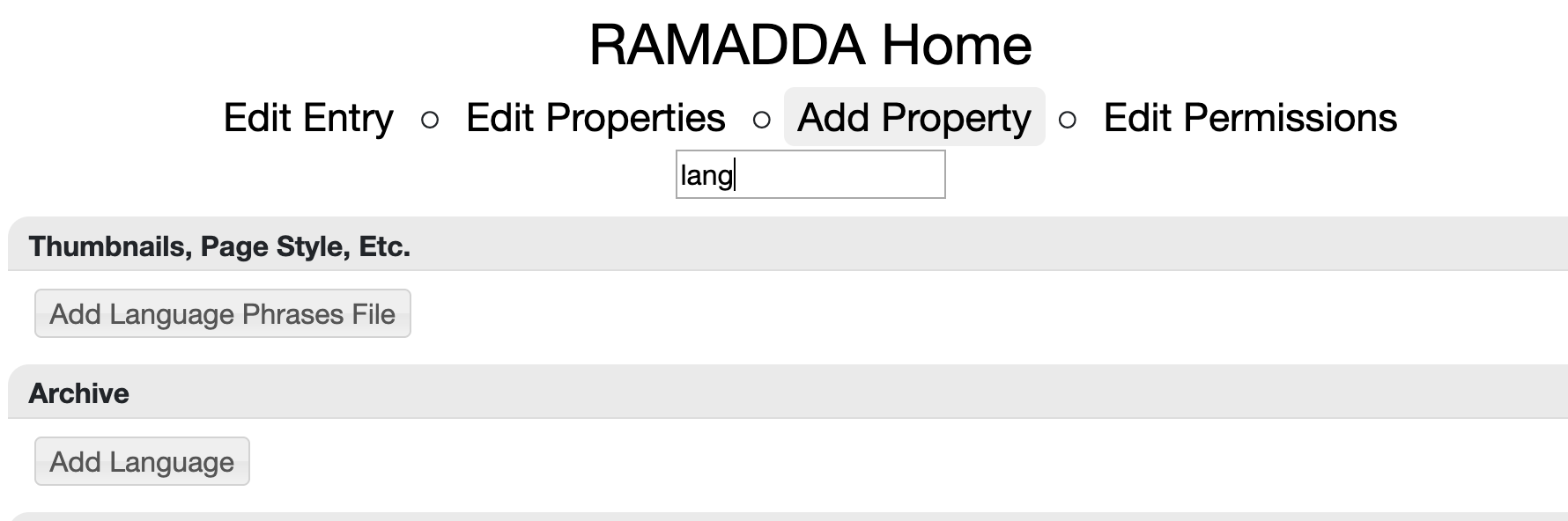
Go to Add Properties of your top-level entry and look for the Add Language Phrases File
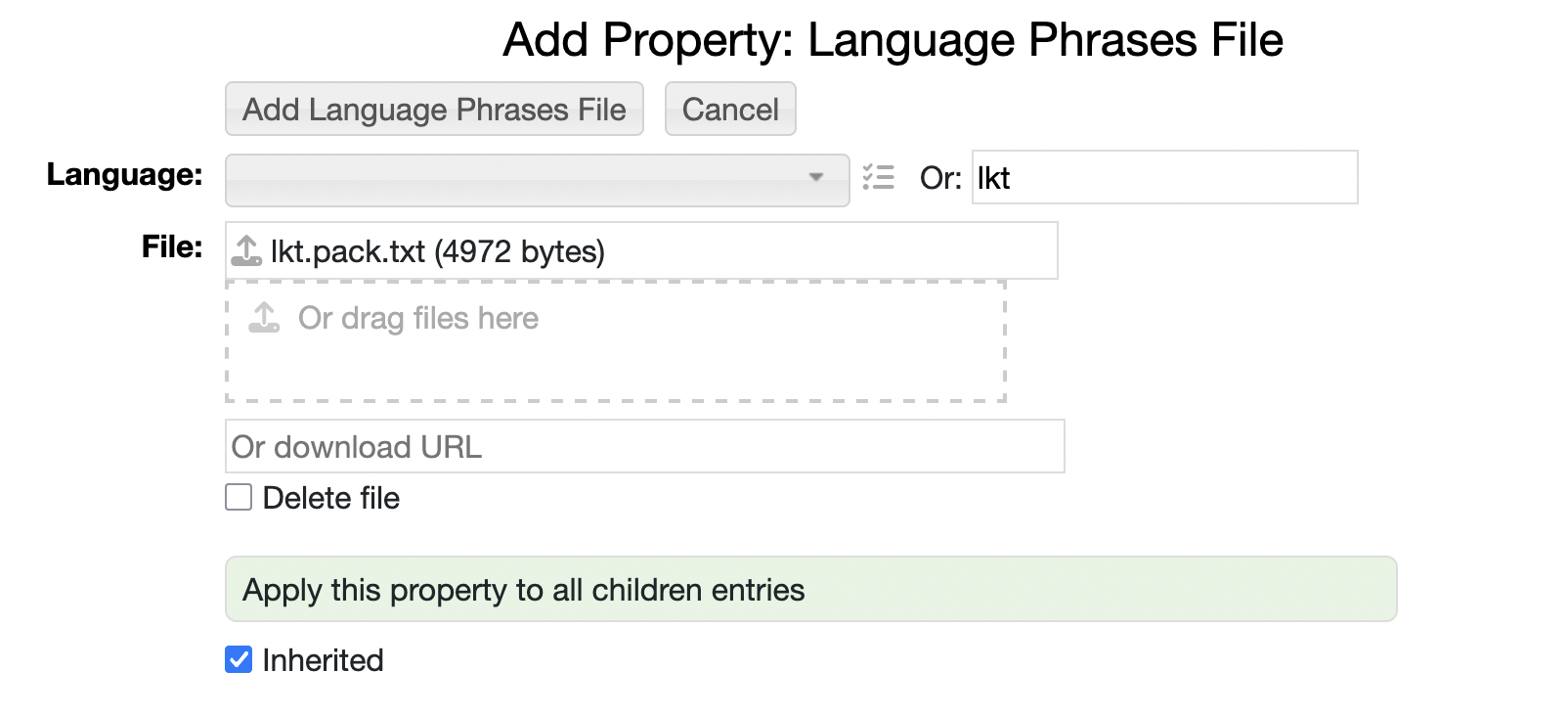
Then specify the language ID (e.g., "lkt") and upload your phrases file.
Setting the inherited flag to true will enable these phrases to be used throughout your entires RAMADDA.
And here are the available languages:
To define a new language, e.g, with ID "foo" download the base set of phrases from:
https://ramadda.org/languages/base.pack.txt
Change the name to use the language identifier and copy the file into the plugins directory
under your RAMADDA home directory, e.g.
foo.pack.txt
You will then need to edit the file. Change the type and name to the appropriate values:
language.type=foo
language.name=Foo Language
Then, for every phrase provide a translation, e.g.:
Date=Fecha

 Oglala Lakota College License